
Authentication
How to authenticate with the MCP Server
OAuth
The Daloopa MCP server implements MCP OAuth Specification. When configuring the server connection, users will be redirected to a Daloopa authentication page where they can enter their username and password credentials.
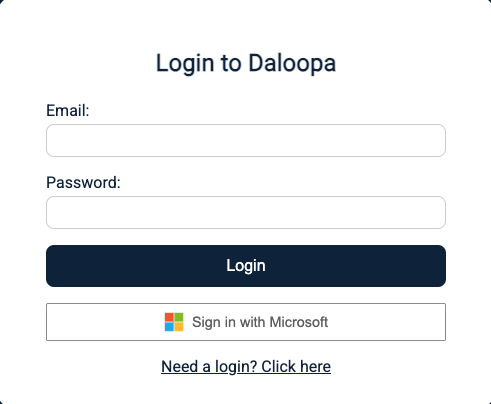
MCP OAuth Login Page
Upon successful authentication, the system generates a bearer token that must be included in the request headers for all subsequent tool calls and redirects to the provided redirect URL. This OAuth flow ensures secure access to financial data while maintaining compliance with MCP authorization standards.
For more details on the OAuth flow to Authenticate at Daloopa MCP, please check Daloopa OAuth API
API Key and Bearer Token
For users who possess a Daloopa API Key, an alternative authentication method is available through direct token generation. By making a POST request to Generate Token with their existing API Key, users can obtain a bearer token without going through the OAuth flow.
These generated tokens remain valid for 24 hours, after which a new token must be requested.
Direct API Key Authentication (Header-Based)
For customers who prefer a simpler authentication mechanism, Daloopa also supports direct API key authentication via request headers.
Instead of generating a bearer token or using the OAuth flow, customers can include their API key directly in each request using the X-API-KEY header.
How it works:
- The API key is sent with every request.
- No token generation or refresh is required.
Updated 8 months ago