
Connecting your model to Daloopa
Before a cell can update, it needs to correspond to a figure in the Daloopa database. Once that connection exists, the cell stays current automatically every time new data is available — no manual rekeying or cross-referencing filings.
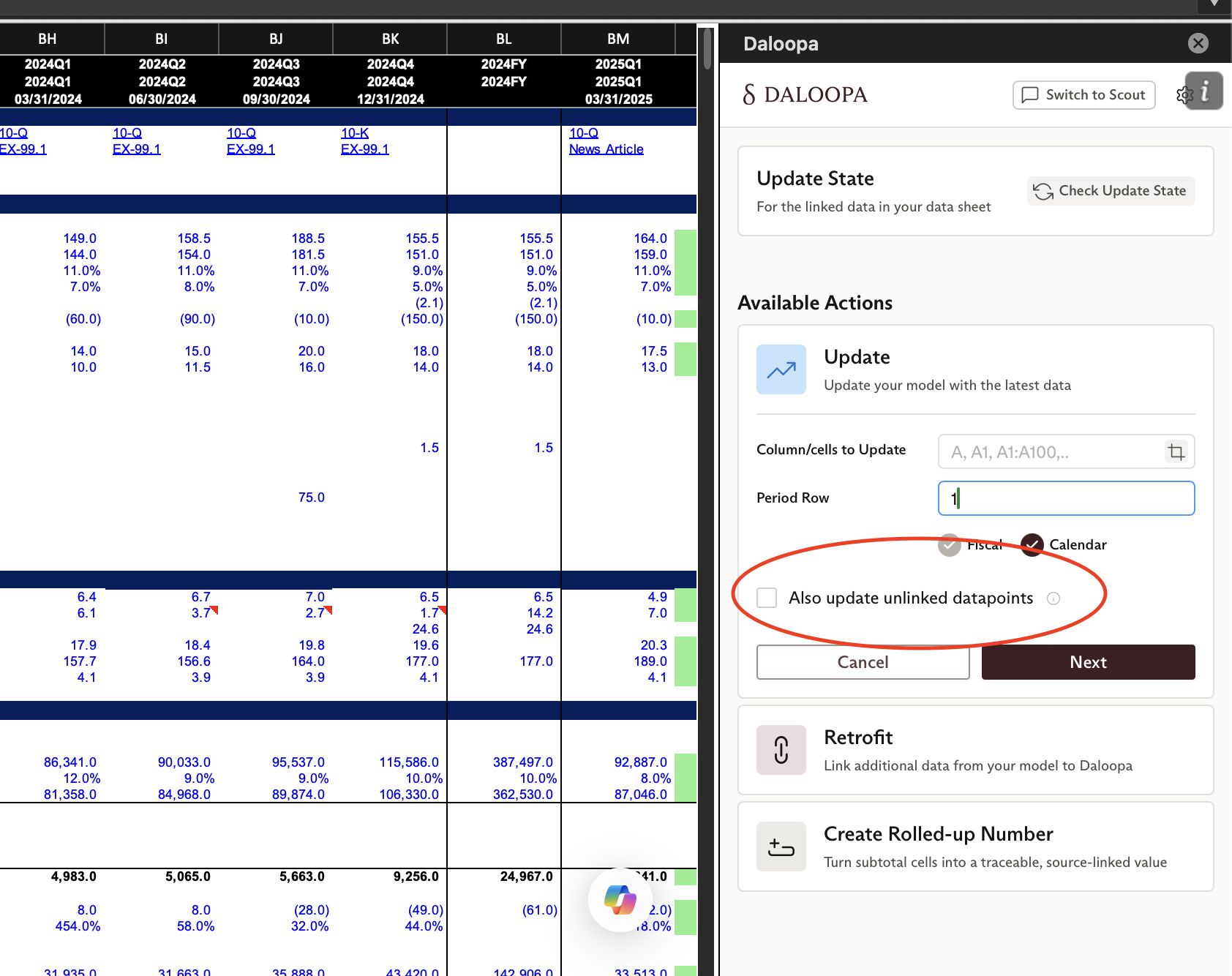
Most cells get connected the first time you run Update with Also update unlinked data points enabled. The process runs in the background, and once complete, future updates use those connections without any extra steps.
You can also connect cells in specific situations using other tools:
- Update with
Also update unlinked data points— the recommended starting point for most models. Connects cells automatically as part of the update workflow. - Inspect Cell — for checking a specific cell against the database and connecting it manually.
- Create Rolled-Up Number — for cells that represent a formula or combination of data points rather than a single reported figure.
Once your model is connected, use Update to keep it current.
Updated 2 months ago
Did this page help you?